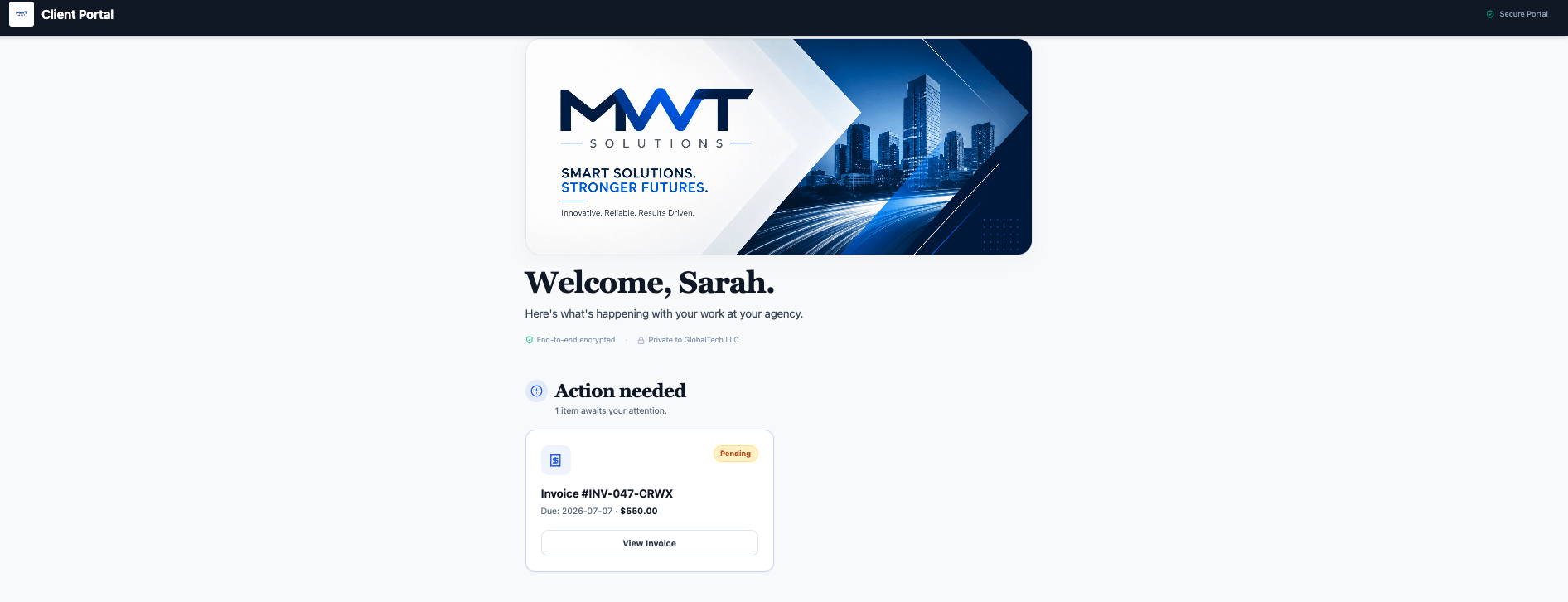
1. The branded welcome that sets the tone
The first thing a client sees should be you, not your software. A strong portal opens with a branded welcome card — your logo, your brand color, a cover banner, and a short personal greeting using the client's name. It takes thirty seconds to set up and instantly signals "this is a real business." (Here's how to white-label it.)
2. The project board that answers "where are we?" before they ask
Agencies look organized because clients can always see status. A portal with a project board plus published updates does that for you: the client opens the portal and sees current progress and the latest update you posted — so the "any news?" emails stop. You decide what gets published; they get reassurance without a meeting.
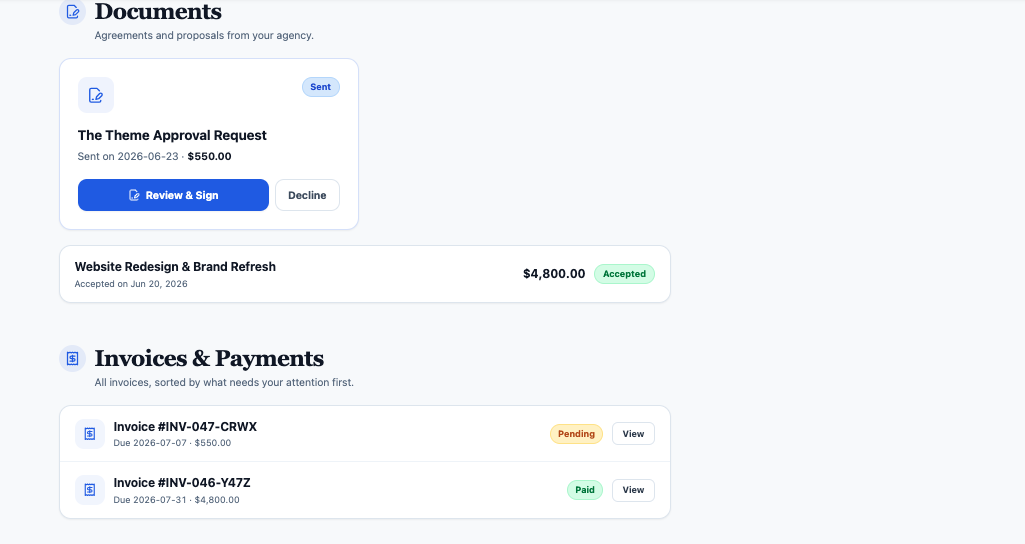
3. The invoice they can pay in two taps
Nothing kills the "professional" impression like a messy payment process. A portal that shows invoices with a built-in pay button — settled online through your connected gateway — looks effortless and gets you paid faster. The client never has to hunt for account details or a payment link. (Not sure which gateway to switch on? See the best payment gateway for client invoicing.)
4. The proposal they sign without printing anything
A portal where clients review and e-sign proposals (or decline) in a couple of clicks reads as modern and frictionless. No PDF round-trips, no "please print, sign, scan." The faster a proposal can be signed, the faster the work — and the revenue — starts.
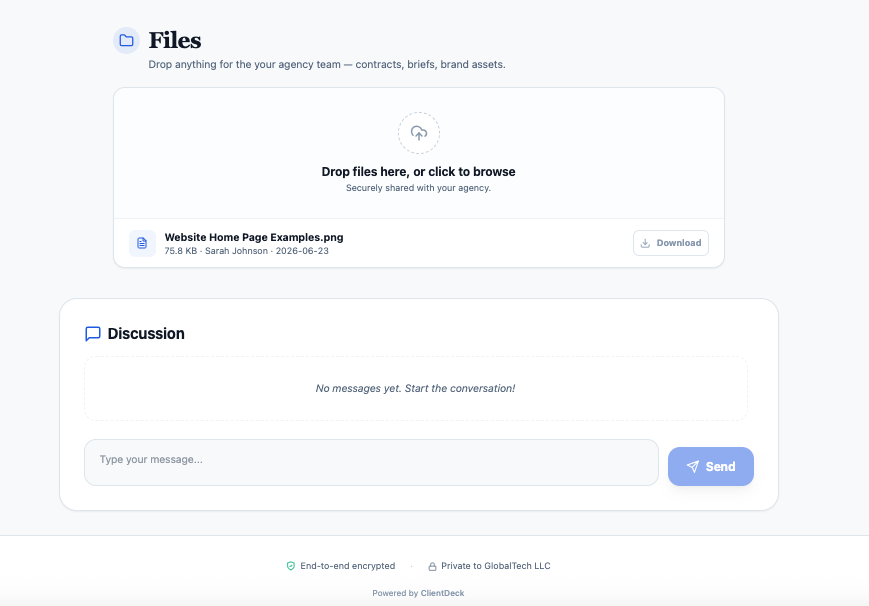
5. The shared files hub that replaces email attachments
Agencies don't send deliverables as email attachments that get lost. A Shared Files & Assets section gives clients one place to download finals and upload their own materials, with everything dated and organized. It looks tidy and it ends the "can you resend that file?" loop. (More on secure file sharing.)
6. The professional report that proves your value
Retention comes from clients seeing the value you deliver. A portal that shares clean, professional reports — generated quickly rather than hand-assembled at midnight — makes your impact obvious and makes renewal an easy yes.
7. The custom domain that seals the illusion
The final touch that makes a solo operator indistinguishable from an agency: a custom domain. When the portal lives on your URL with your branding end to end, there's no visible seam between your brand and the tool. To the client, you built this.
How to put it together
Each example above is a real capability you can switch on per client. The recipe for the "agency" feel:
- Brand the portal (logo, color, cover, welcome message, custom domain).
- Turn on the sections that fit each client (invoices, projects, proposals, files, reports).
- Keep project updates flowing so the portal always feels current.
Tier note: ClientDeck includes portals on every plan (1 on Free, 10 on Plus, unlimited on Pro), with full white-label and custom domain on Pro. Start with one client and refine your "house style," then roll it out to everyone. New to portals? Start with what a client portal is and why you need one, or see our full client portal software overview. Running a studio? Here's why ClientDeck fits agencies.
Frequently asked questions
Consistent branding (logo, colors, custom domain), a clear welcome, visible project status, payable invoices, e-signable proposals, and an organized file hub — so the client experience feels deliberate rather than scattered.
Yes. A branded, well-organized portal is exactly how solo freelancers present at agency level — clients judge the experience, not your headcount.
Typically: a branded welcome, project boards with updates, invoices with online payment, proposals to e-sign, a shared files section, and reports — shown selectively per client.
Build a portal that punches above your size.
Start free with ClientDeck